 RU
RU  EN
EN
Copy/Move Notes
This option allows you to copy or move selected notes to another board.
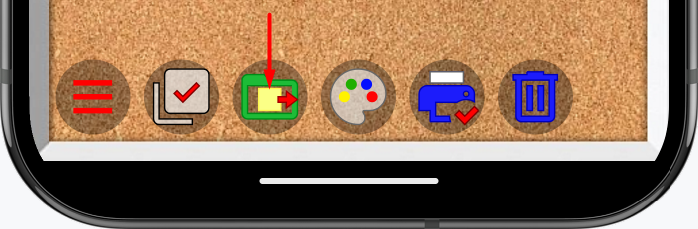
Clicking on this item will open a window asking:
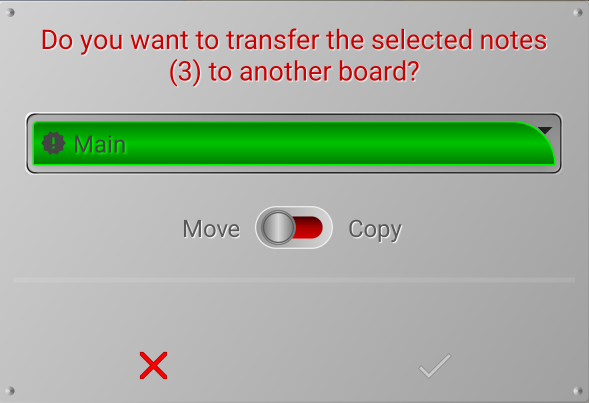
Please note that the confirm button (green checkmark) is disabled. The reason is that we have selected a board on which the marked notes are already located. We can't move the notes to the same board. However, if we switch to copy mode, the checkmark will turn green, allowing us to make copies of the notes on the same board. We can also select any other board, and the green checkmark will be enabled, as we can both move and copy notes to another board.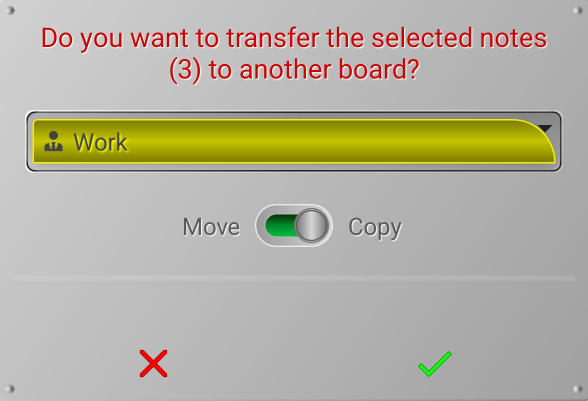
After clicking the green checkmark, the selected notes will be immediately moved or copied.
Note 1:
Be careful! In this case, there will be no additional warning window; the action will be performed immediately. This window is, in fact, a warning window.