 RU
RU  EN
EN Page 3 of 5
Change note color
This menu item allows you to change the color of multiple notes at once. This can be useful if you use note color as one of your classification parameters.

Clicking on this item will open a window asking:
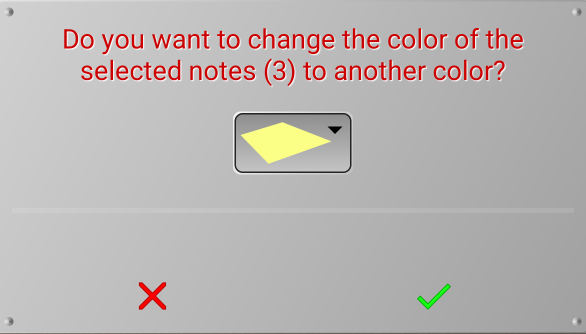
Select the color you want to change the current colors of the selected notes to. The notes you select can be the same color or different colors. Click the green checkmark to change the colors of your marked notes to the color you selected.