 RU
RU  EN
EN Page 3 of 3
Adding a Note to the Calendar
You can attach a note to the Calendar in two ways:
1. Open any note on the board and attach it to a Calendar date as described in the "Overview of a Note" section.
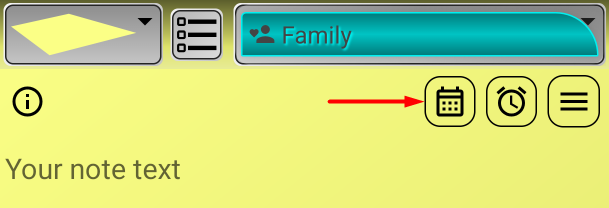
2. Create a note directly from Calendar. Select the date for which you want to create a note and click it. The selected date is highlighted with a slightly darker background and blue font.
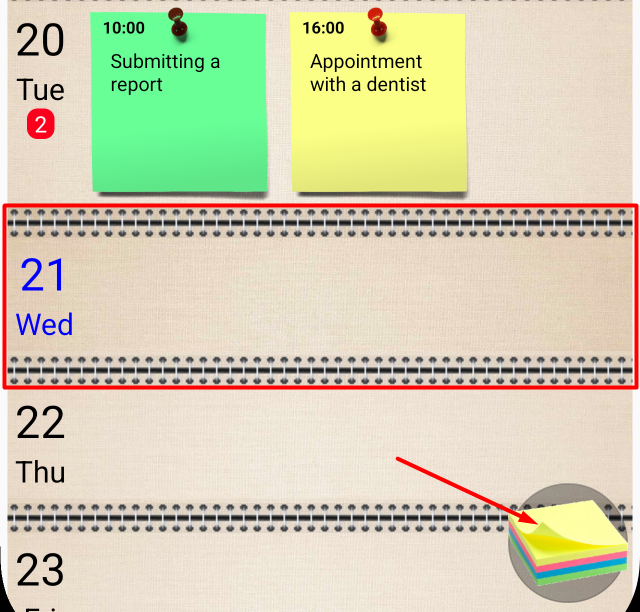
Click the Add Note button at the bottom right of the screen. The added note will be immediately linked to the selected Calendar date.
There's another way to attach a note to your Calendar: when setting a reminder in a note, select "Add to Calendar." In this case, the note will be pinned to the reminder date in Calendar. You can read more about this in the "Reminders" section.