 RU
RU  EN
EN Links in Text
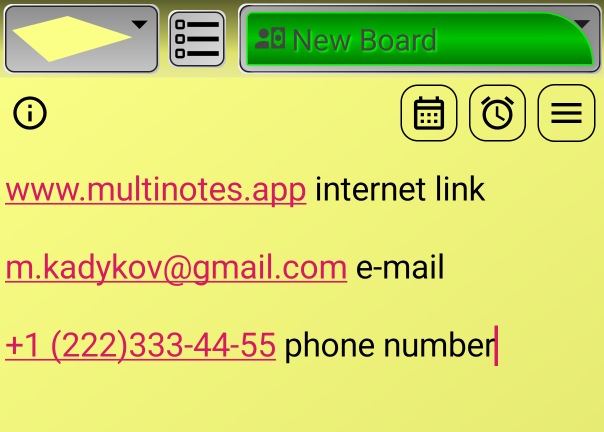
Some objects in note text can be automatically converted into links. If you enter a string that meets certain requirements, it will automatically be converted into a link the next time you open the note. Links are highlighted in a different color and underlined. Links can be: Internet links, email addresses and phone numbers.
👉 When you click on an internet link, that link will open in the browser installed on your phone.
👉 Tapping an email address creates a new message for that address. If you have multiple email apps installed on your phone, you will be prompted to choose.
👉 Tapping a phone number allows you to quickly call that number. The calling application will open with the number already dialed. If you have multiple apps on your phone that can make calls to phone numbers, you will be prompted to choose.
In the note, the links look like this:
The operation of links depends on the settings. You can customize how links work on the "Settings" board, in the "Note Settings" section.