 RU
RU  EN
EN Additional Shortcuts
On your phone's screen, each app has a shortcut that you can use to launch it. But you can add additional shortcuts to the screen that make working with the application easier and faster. To add a shortcut to your phone's screen, tap the corresponding button.
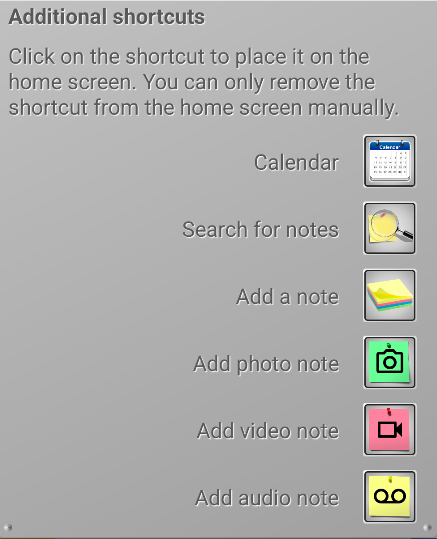
Calendar – the application opens immediately in calendar mode. In addition, on this shortcut you will immediately see the number of events for today.
Search notes – a search window opens where you can find the notes you need by keywords.
Add note – quickly add a new note without opening the main app.
Add note with photo – adds a new note and launches the Camera app for adding a photo as an attachment.
Add note with video – adds a new note and launches the Camera app for adding a video as an attachment.
Add audio note – adds a new note and launches Voice Recorder for adding an audio recording as an attachment.