 RU
RU  EN
EN Page 6 of 6
Managing Reminders
After you set a reminder, the button in the note will look like this:
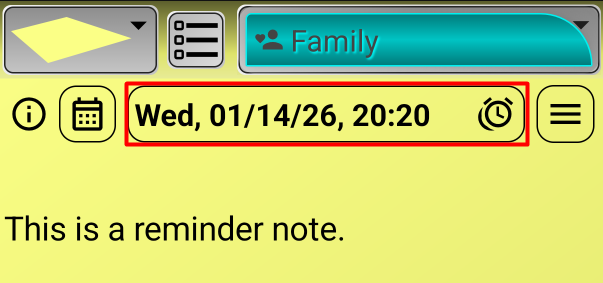
However, for the reminder to work, you must save the note. After that, an alarm icon should appear in the top bar of your phone's screen. You can read about alarms in different modes in the "Setting up reminders" section.
If you want to cancel the reminder, open the note again and tap the same button to open the reminder settings window. At the bottom of the window, in the center, you'll see a cancel reminder button:
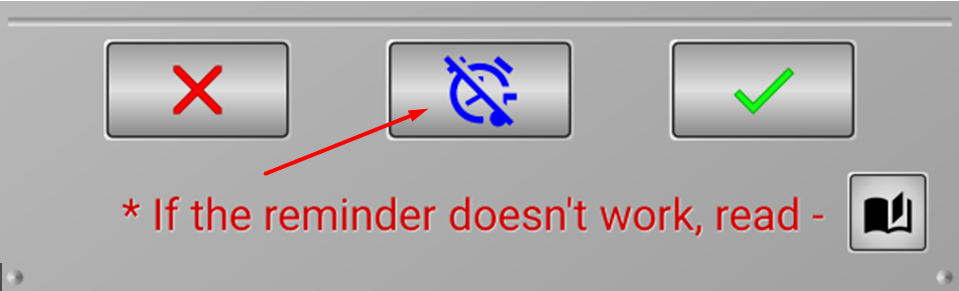
After you cancel the reminder, don't forget to save the note.