 RU
RU  EN
EN Page 3 of 8
Add a video
Just like taking a photo, you can take a video directly from within a note. This is done in the same way as adding a photo. Select the next menu item with the video camera icon. Your Camera app will now open in video mode. Take a video and add it to your note the same way you did with a photo. You'll see that your note now contains both a photo and a video:
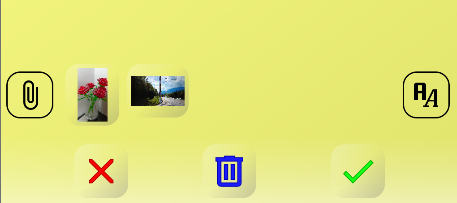
Note 1:
When using the app for the first time, you may need to grant permission to use your phone's camera.