 RU
RU  EN
EN
Adding a Contact
You can attach any contact from your phone's contact list to a note. This can be useful if you have a lot of contacts in your contact list and you don't want to waste time searching for the right person every time. Or, for example, if you've ordered furniture and are frequently communicating with the manufacturer over the phone, discussing various details. In this case, you can create a note containing photos of the furniture, order documentation, and the manager's contact information so you can quickly contact them. When you select this menu item, a list of contacts will open, from which you simply need to select the desired contact. They will be immediately added to the note. A long press, as in the previous cases, will open a preview window:
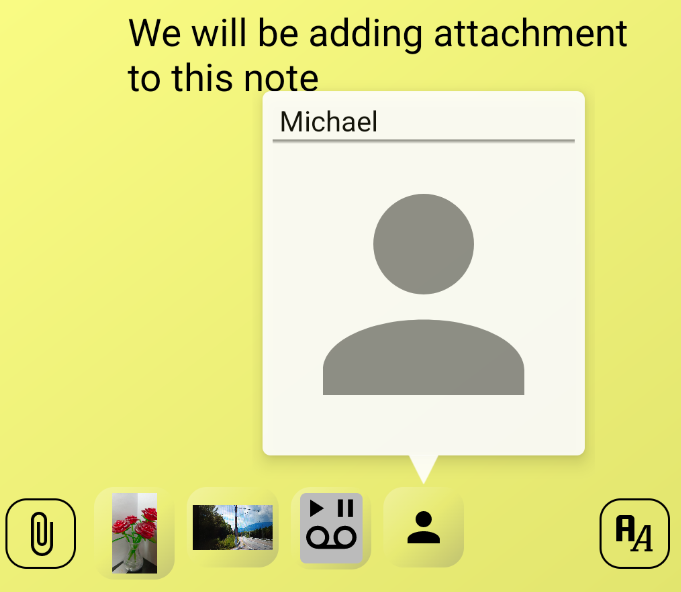
Please note that if a contact card has a photo attached, it will be displayed in the note instead of the stylized figure of a person. Click on the contact thumbnail to open the editing window:
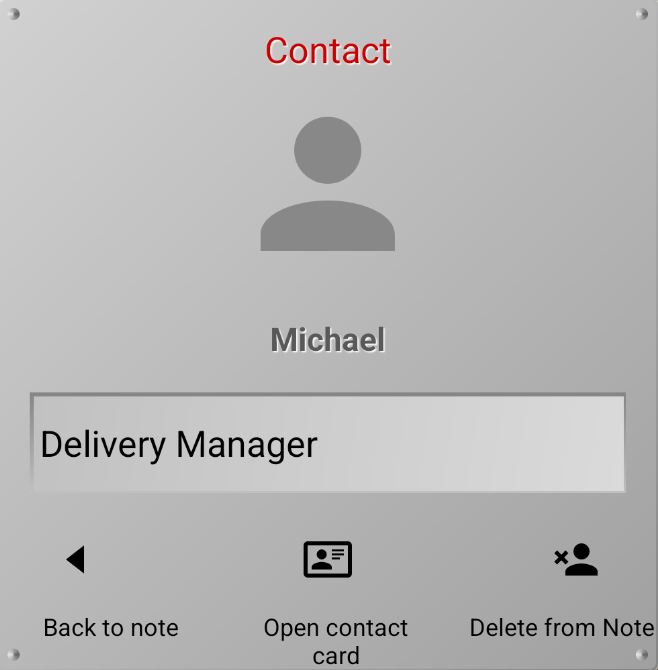
👉 In this window, you can add a short description to the contact, which will only be visible in the app, but not in the contact card.
👉 You can delete a contact from a note. A warning window will appear in which you must confirm your actions.
👉 You can open the contact card and contact this person from there.
Note 4:
When using the app for the first time, you may be asked to grant permission to access your phone's contact book.